Start here · Guide 2 of 3 · 7 min read
INTELLI LABS · IDEAS IN PRACTICE
Build your first funnel without buying credits
One carousel, one page and a way to receive and answer inquiries. Build a first version within your available free allowance, without using every generator.
Your first funnel, in 3 steps
19 min total reading · practice at your own pace
See where to do it, step by step
See the path through the platform. Advance at your own pace or play the steps.
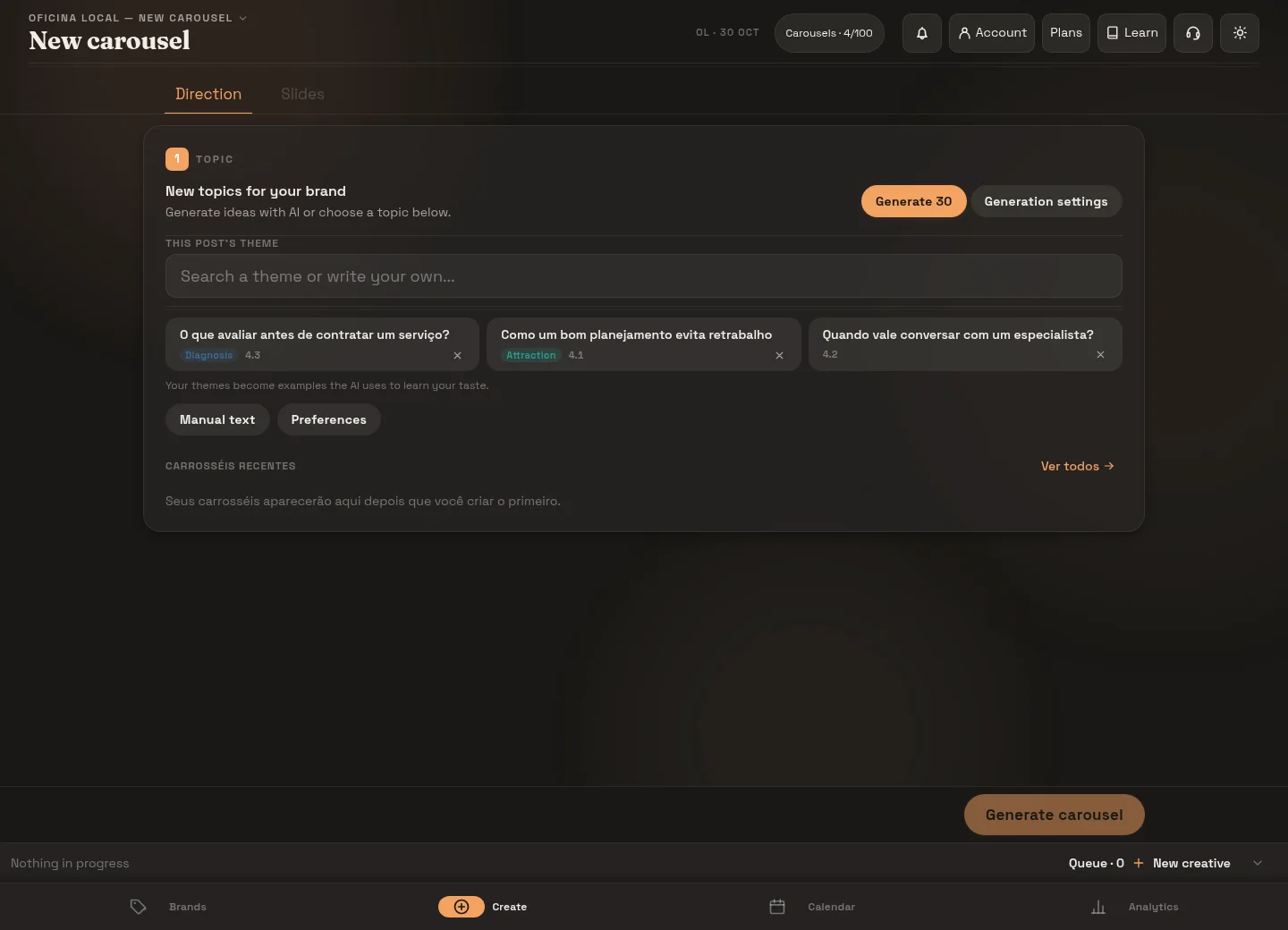
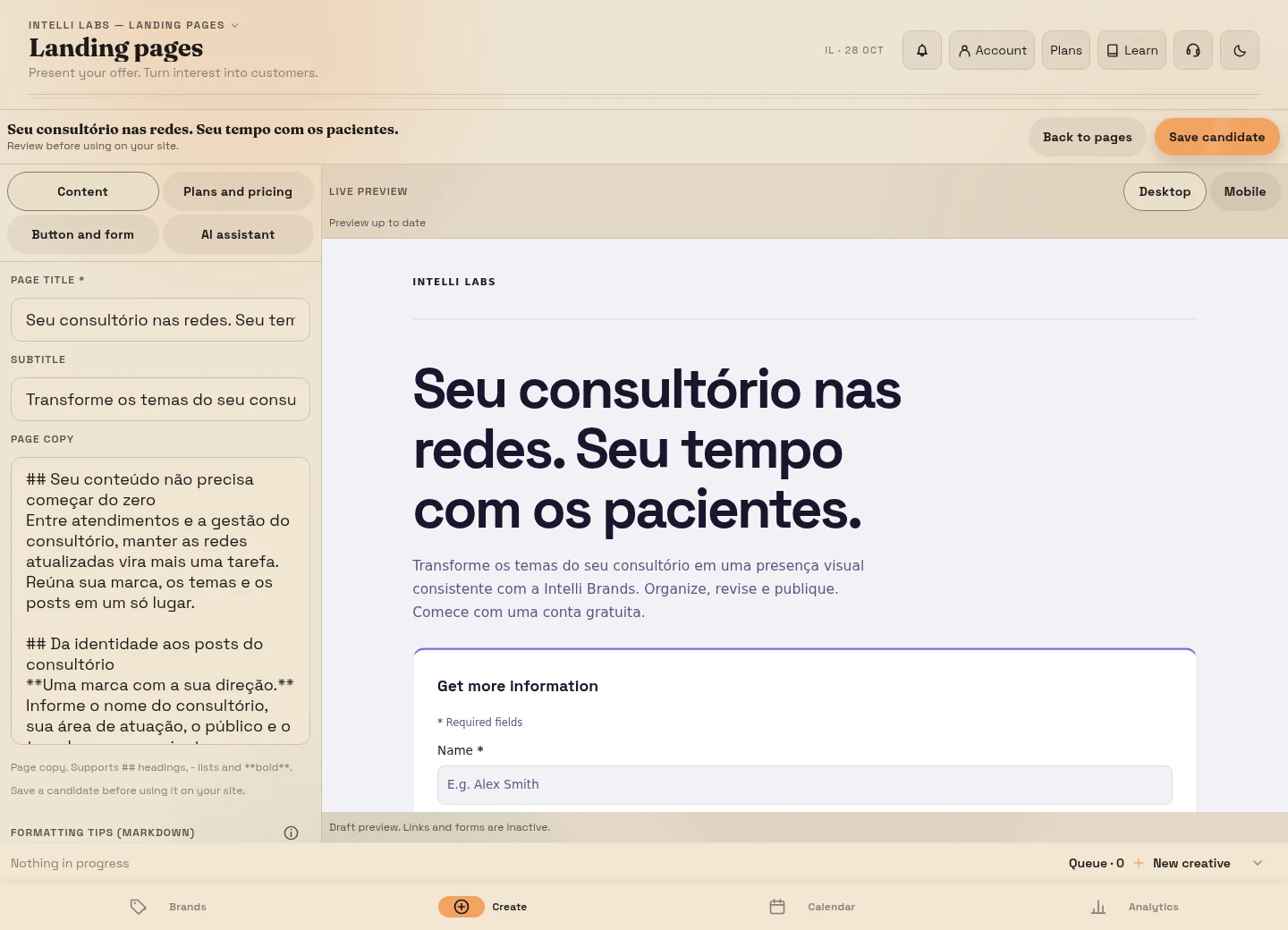
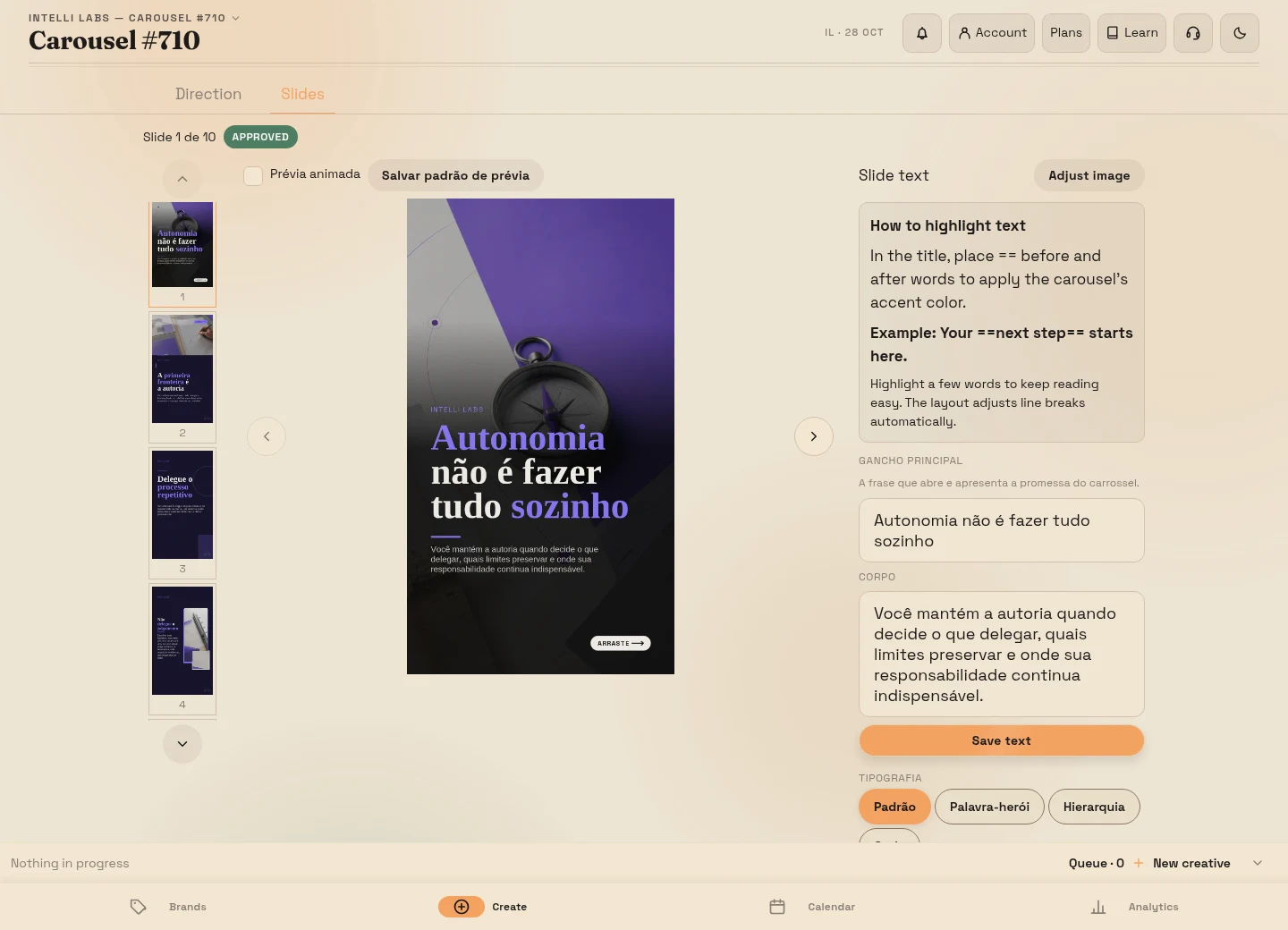
What you will build
Someone finds your carousel, opens a page, requests a checklist and receives your reply. Anyone who already needs the service can request a conversation or choose a time on your booking page. This is your first funnel: a clear path from discovering your work to discussing a purchase.
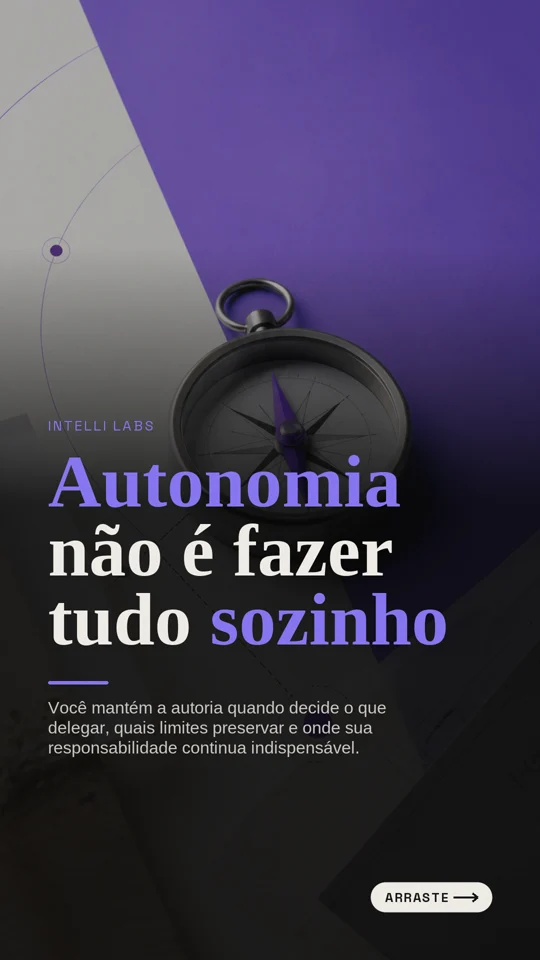 Post
PostFinish with one reviewed piece, a public page with a form, a useful resource ready to deliver and a way to follow up on inquiries. You do not need ads, automation or a month of content. Use a fictional home organization service as the example: a first-night checklist connected to help organizing a home after a move.
Before you start: what the free route includes
Open Account and check your remaining allowance. Prepare one brand and one carousel; reuse an existing piece instead of generating another on every attempt. Generation allowances are configurable and may already be used up. If a generator asks for credits or a subscription, stop there: this exercise does not require buying either. You can continue with a carousel you already own or prepare one manually outside the platform.
You can write the landing page manually and use its capture form, your brand’s links page and booking page. Capturing an inquiry does not deliver a file or start a message sequence automatically. AI e-book generation currently requires credits. For the free version, write a short checklist yourself and deliver it manually through the agreed channel. Reading this guide uses no allowance; generating content can.
1. Choose one small way to help and prepare the piece
Choose a question people ask before buying: “What should I set aside for the first night after a move?”. Prepare a checklist with six useful items, such as bedding, toiletries, regular medication, chargers, water and what is needed for a simple meal. Adapt the list to your business and review your recommendations.
Answer part of that question in a carousel, then give a specific invitation: “Want a list to check before sealing the boxes? Request the checklist through the link in our bio”. Have the resource ready before sharing that invitation. If you do not have a piece yet, follow the first carousel guide.
2. Make the page deliver on the promise
Open your brand and its Landing pages. Create a page with a title that repeats the post’s promise: “Your first-night checklist for a new home”. Explain what people receive, who it helps and how you will deliver it. Check the mobile preview in the editor. An image of the resource helps people understand the request; use your own or an authorized image rather than generating another just for this exercise.
Choose form capture. Request only what delivery needs, such as a name and email address. Explain how you will use the contact information and avoid sensitive data. Explain on the page how follow-up will work; do not say “file sent” if you will send it later yourself. Publish the page and copy its public address.
3. Give people ready to talk a second route
Someone ready to hire you does not need to request a checklist first. In your brand’s Booking area, configure the service, times and booking rules. Check the public address and request confirmation before sharing it. A booking does not prove a purchase or payment.
Put two clear destinations on the brand’s links page: “Get the checklist” goes to the landing page; “Discuss home organization” goes to your booking page or a contact channel you actually monitor. Use this page as your bio link. Avoid making one button stand for five different actions.
4. Test as an outside visitor
Open the public link in a private window without your platform session. Check the post, invitation destination, mobile page, fields and confirmation. Submit a test request using your own details and find it in the landing page’s contacts list. If you offer bookings, test a time as well, then cancel that booking through the normal workflow. Cancellation releases the time; it does not erase the record.
Continue only when the inquiry appears and you can reply. If it does not appear, check the published page and address before sharing again. The landing page can record an inquiry, but you still need to arrange resource delivery. This test prevents a visitor journey from ending at a page with no response.
5. Deliver and continue the conversation
Send the checklist through the authorized channel and identify your reply as a response to the request. If the person asks for guidance or expresses interest in your service, ask a useful question such as “When are you planning to move?”, then explain your service area, scope and next step. If they only wanted the list, deliver it and respect that choice; requesting a resource does not mean accepting every future campaign.
The landing page’s list stores incoming inquiries. Export the contacts as CSV if you want a manual record of the name, request, next action and conversation status, using only necessary information. Update it after replying, sending a proposal and confirming the agreement and payment. An inquiry is not a sale. Check the sharing workflow with the publication and review guide.
What you can add later
Use a newsletter to explore the topic in writing when you have permission to contact the person and available allowance; generating text is different from sending a campaign. Stories, videos and QR codes can point to the same page. You do not need every format to test one offer. Brand identity, topics and editorial lines help maintain consistency; extra images and icons may also use your allowance.
An AI e-book is an expansion that requires credits; generating one is outside the free version of this exercise. Replace the checklist with a longer resource only when it will help your audience more and you have arranged delivery. Use editorial planning to organize more pieces, and the conversion guide to examine inquiries and sales.
Check your funnel before marking this step
- I have a finished resource and an invitation describing what I deliver.
- The post leads to a public page with the same promise.
- My test inquiry appeared in the contacts list or booking area.
- I can deliver the resource and reply through the authorized channel.
- I can distinguish inquiries, conversations, proposals and paid sales.
When these work, your first version is ready for a small test. Next, review your piece and share it with a verified destination. The exercise produces a working path; sales still depend on your offer, audience and follow-up.
From a carousel to a sale: watch the journey
A 48-second home organization service example. Adapt the topic and offer to your business.
Before marking: check the deliverable described in this step.
Marks work on this page, but this browser did not allow them to be saved.Mark only what you have put into practice. Your marks stay in this browser.