Optional deeper learning · Guide 1 of 2 · 8 min read
INTELLI LABS · IDEAS IN PRACTICE
Plan content that helps people buy
Connect a clear offer with useful carousels, focused pages and conversations that can lead to sales.
Your first funnel, in 3 steps
19 min total reading · practice at your own pace
See where to do it, step by step
See the path through the platform. Advance at your own pace or play the steps.
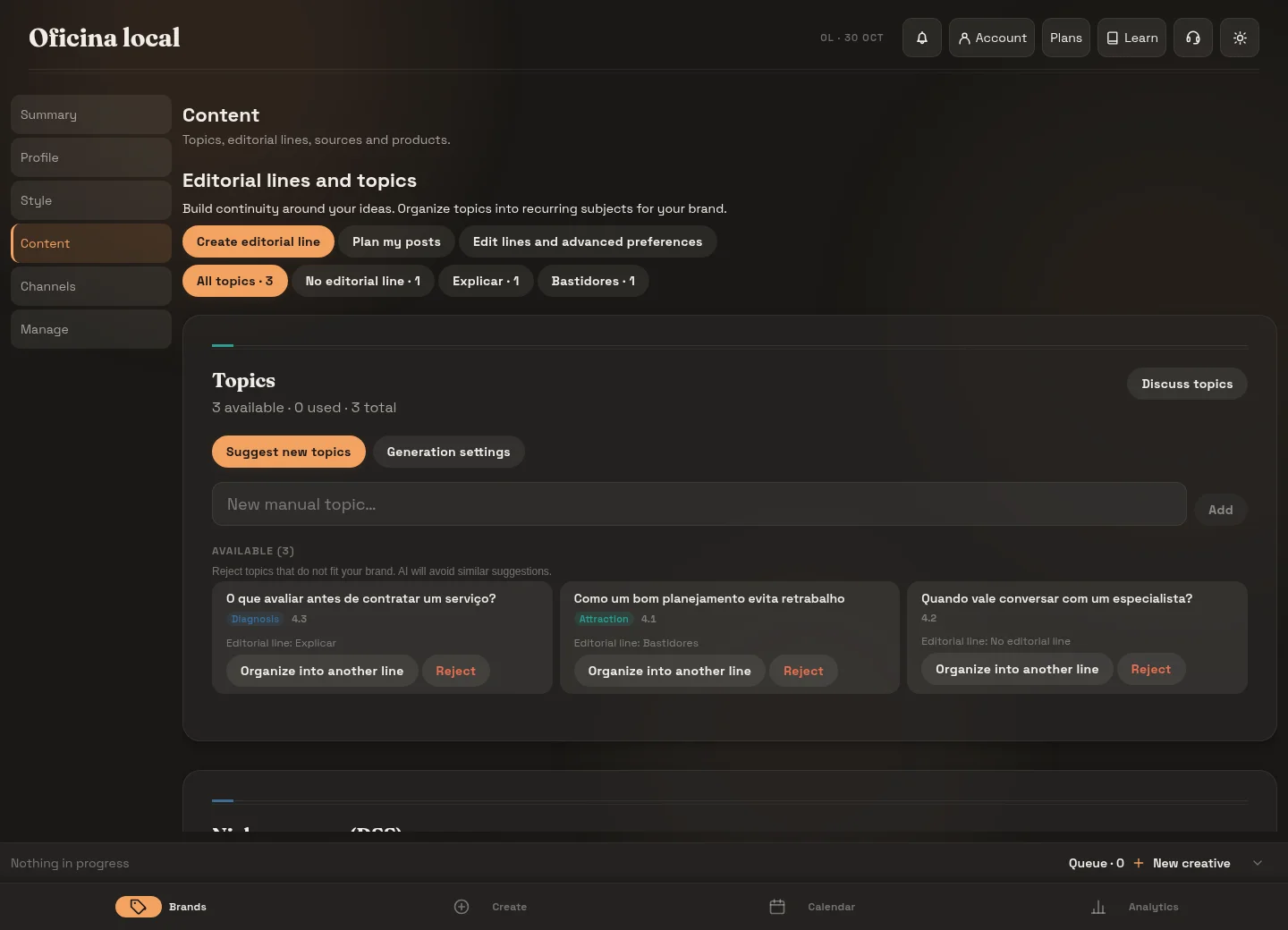
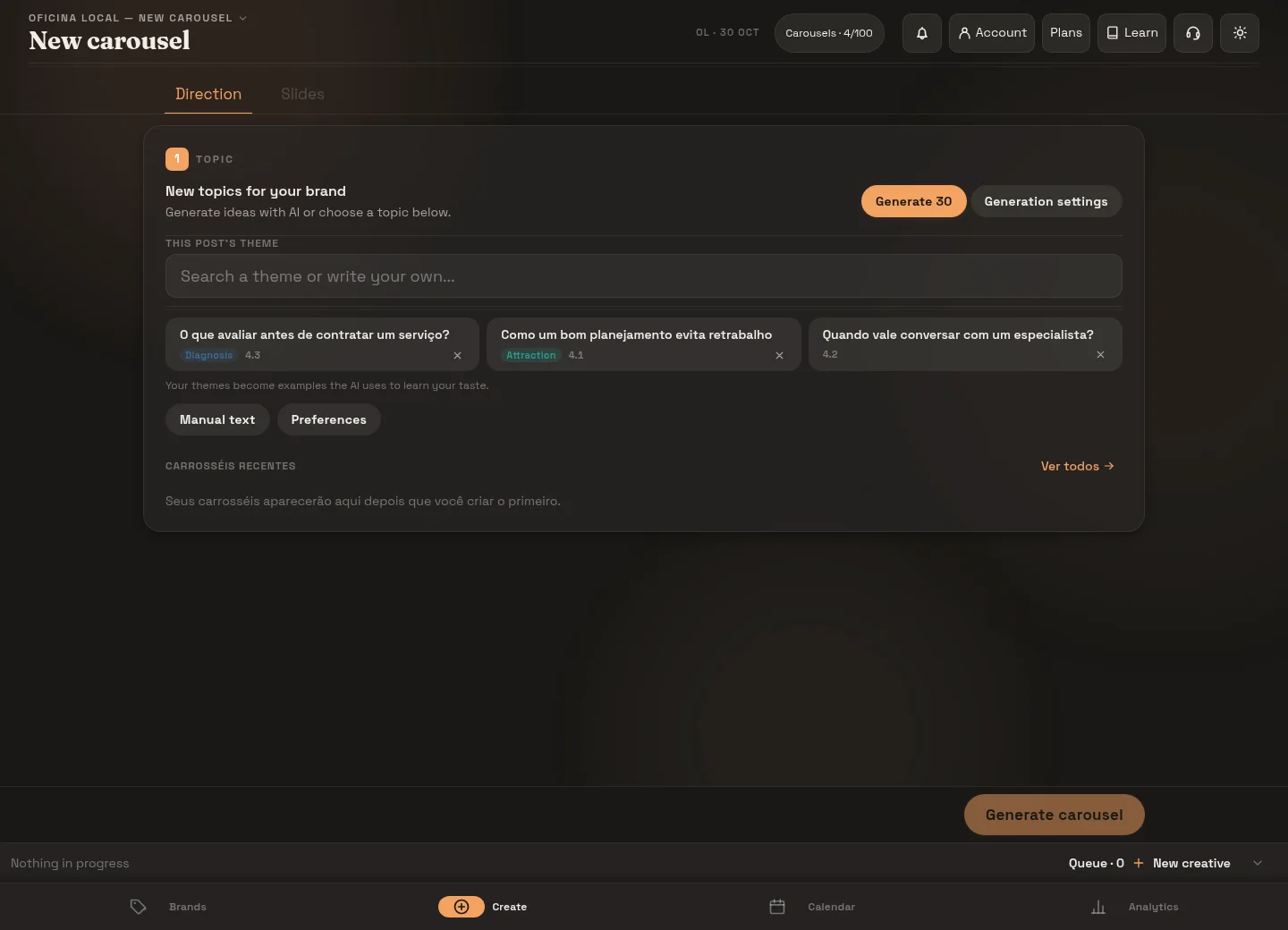
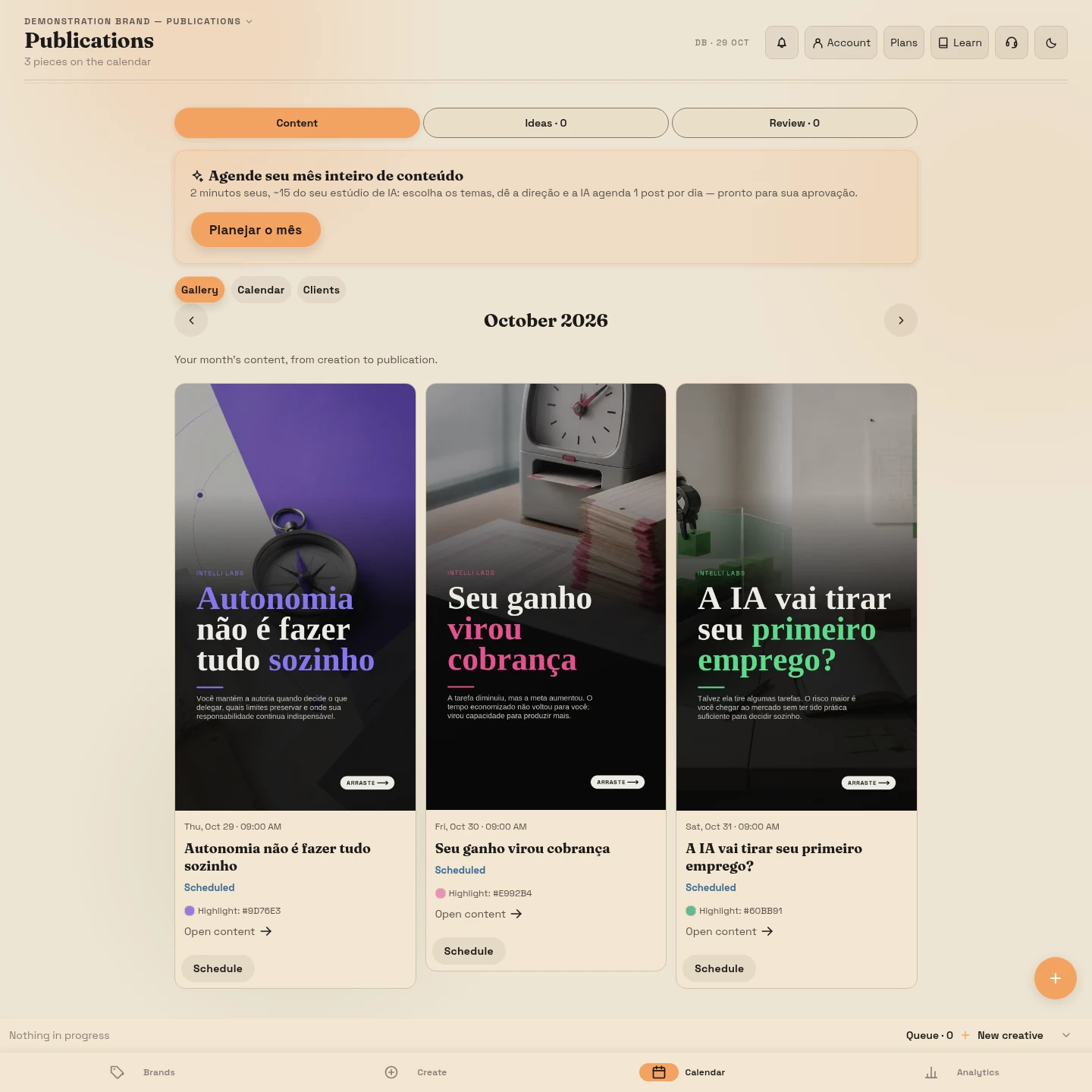
Choose an offer and a buying situation
Imagine Ana, a home organizer who wants to offer her service to people moving house. “Organization tips” could produce dozens of posts, but it does little to help her choose the next one. A specific situation helps: someone is packing their kitchen, has not decided where things will go and expects to spend the first week searching for essentials.
 Post
PostAna is a fictional example. We will use her business to build a complete path: customer question → carousel → page → useful resource or quote request → conversation → possible sale. Adapt the logic without assuming you need every piece.
Write down your choice: “I offer kitchen organization after a move, for people in my service area who want help deciding where to put things. I want to receive quote requests for this service.” In the platform, describe your offer, audience and differences, then review positioning, voice and colors. These details guide creation; accuracy and approval remain your responsibility.
Turn questions into editorial lines
An editorial line is a recurring subject your business has a reason to discuss. Ana could cover preparing for a move, everyday organization and how her service works. To find topics within those lines, collect questions customers actually ask:
Help Explain
 Invite
- Preparation: “What should I set aside before sealing the boxes?” A carousel can give readers a task they can complete themselves, followed by an invitation to a checklist.
- Daily use: “Should pans go near the sink or the stove?” Explain how to decide based on use, rather than offering one rule for every kitchen.
- Hiring: “Do I need to buy storage containers before your visit?” Explain the service and invite a quote request.
Each piece now has a purpose. People discovering Ana get useful help; people considering hiring her learn about the service. One editorial line can serve several stages of a decision. You do not need a line for every funnel stage or a request for a quote at the end of every post.
Read the platform’s suggestions and select relevant topics; add your own when needed. Selecting a topic provides context for future suggestions, but does not approve a publication or guarantee reach.
Build a carousel that solves part of the problem
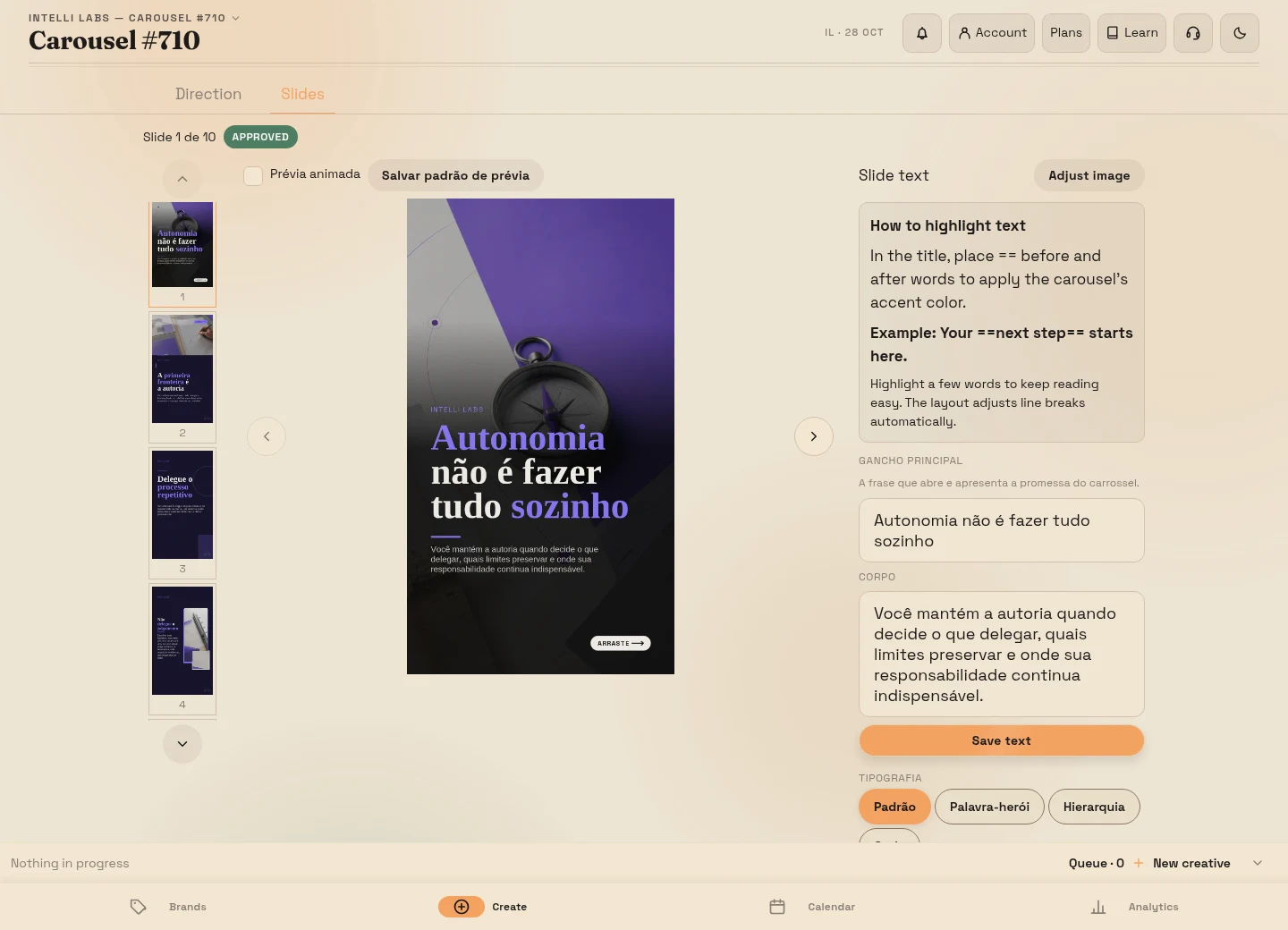
For the question about packing boxes, Ana could use this five-slide outline. It is a content example, not a required slide count:
Cover- Cover — a recognizable situation: “Moving house? Pack a first-night box.” Readers can tell when the advice applies.
- Slide 2 — a selection rule: “What will you use before unpacking everything else? Set aside one set of utensils per person, toiletries and chargers.” Readers can act on this immediately.
- Slide 3 — how to do it: “Label this box and keep it accessible. Do not mix it with boxes that can wait.” The instruction makes the task concrete.
- Slide 4 — an adaptation: “Working the next morning? Add what you need to leave on time: clothes, keys and work essentials.” The example helps readers adjust the list.
- Closing — the next step: “Need to check the other rooms? Find the moving checklist through the link in our bio.” The invitation extends what the post taught.
Compare that closing with “Get in touch and transform your life.” The second does not explain what readers will find or why they should leave the post. A call to action, or CTA, is an instruction: it identifies the next step and what it offers. Choose one main invitation and make it clear in the caption too.
Let the page continue the same conversation
If the carousel offers a checklist, the link should open the checklist’s page. A page that starts by selling a different service makes readers work out where the promised resource went.
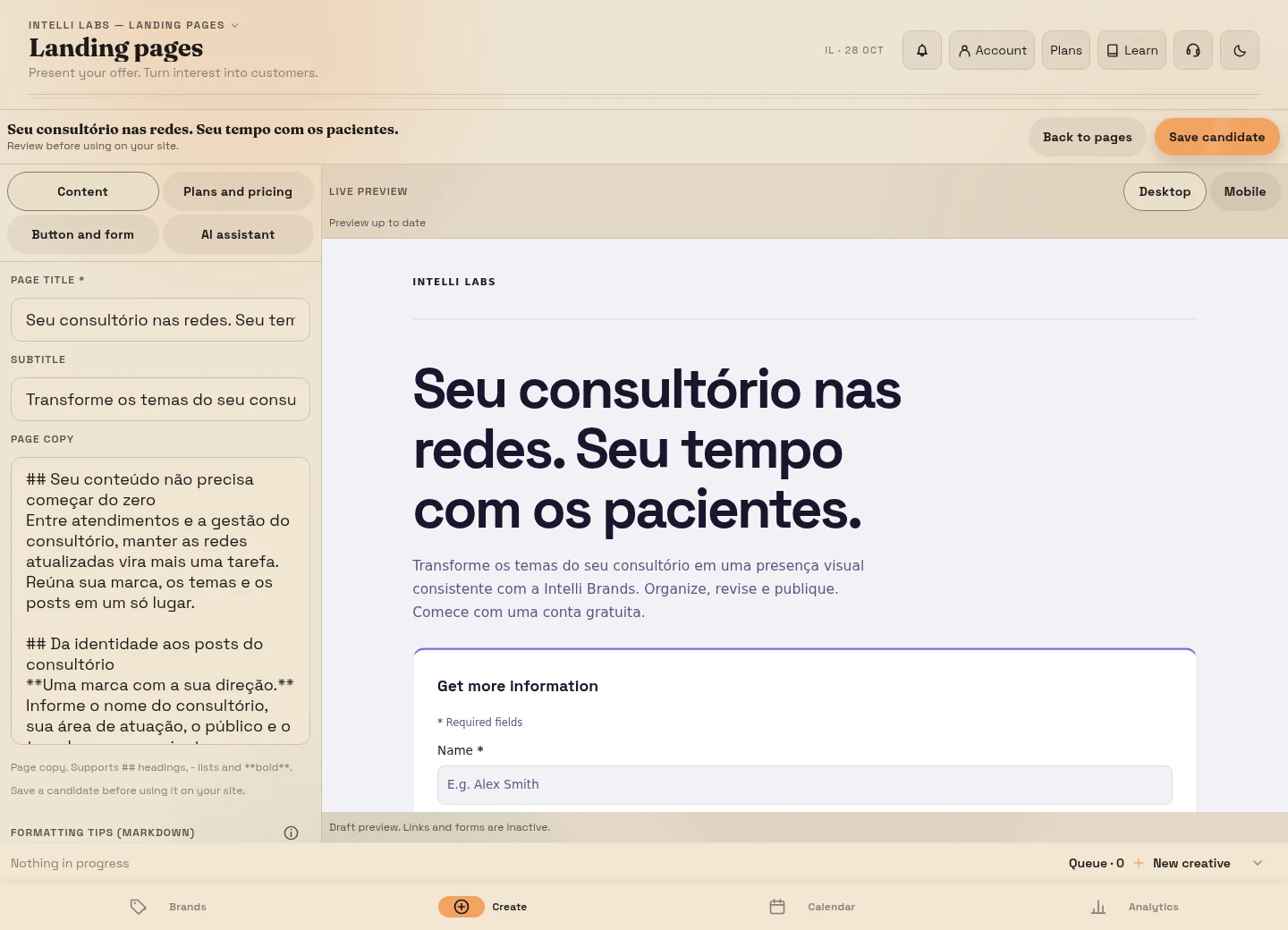
Ana could use this draft for a landing page, a page dedicated to one offer:
- Headline: “Moving checklist: what to set aside before sealing the boxes”.
- Explanation: “A room-by-room list to mark what is still missing and prepare essentials for your first days in the new home.”
- Contents: a first-night box, room labels and a check before transport. Only list material actually included in the file.
- Action: “Request the checklist”. If there is a form, explain which channel you will use and a delivery time you can meet.
Use the available fields and request only what you need to fulfill the request. Opening a form does not configure file delivery. On Instagram, test the link in your bio; if it goes through a link-in-bio page, label the offer “Moving checklist” so people do not have to search through unrelated links.
For someone ready to hire, prepare a different path: a post about the service leads to a service page with the area covered, process and details needed for a quote. If the actual next step is a scheduled conversation, use booking. Do not make someone ready to hire download an e-book first. A requested appointment still needs confirmation.
Give the e-book a small, useful job
Ana’s resource could have three parts: a checklist of first-night essentials; a completed box-label example showing room and contents; and a worksheet for tasks still to resolve. One filled-in example can teach more than several pages repeating that planning matters.
At the end, Ana can explain her service and invite readers to learn about it. The resource should remain useful to someone who never hires her. Check lists, sources, examples and image rights before offering the file.
The platform helps create the e-book. You need to arrange and test delivery, including when it is manual. Requesting the file does not automatically authorize a promotional sequence. A newsletter can answer a further question for people who requested that follow-up; creating a newsletter also does not mean delivery is automated.
Plan follow-up alongside the posts
A manageable week for Ana could have two pieces: the first-night carousel linked to the checklist, and a post explaining the visit linked to a quote request. She reserves time to deliver requested resources, answer inquiries and prepare proposals when the service fits. Publishing without being able to handle interest leaves the path unfinished.
Adjust frequency and editorial line weights to your capacity to create, review and respond. Daily posting is not a requirement. More posts also require review and generation allowance. Decide who responds and what timeframe they can meet before promising that timeframe on the page.
Change the example, keep the connection
A shop can explain how to measure a space and link to a suitable product; someone ready to buy need not go through a booking page. A maintenance service can explain how to describe a problem and request details needed for a quote. A law firm can help people prepare documents for an initial conversation without exposing cases; a dental practice can explain an assessment without promising treatment or an outcome.
Use examples your team can verify. Professional topics need review by someone responsible for the subject. Do not turn an individual question into universal advice just because it would make a striking headline.
Exercise: leave with a path you can test
Open a note and write five lines: offer and audience; real question; the carousel’s central explanation; exact invitation; destination and person responsible for responding. Ana’s fourth line is “Find the moving checklist through the link in our bio.” Her fifth identifies the checklist page and the person who will deliver the file.
Read only the invitation and the destination’s headline. Do they promise the same thing? Could someone explain what they will receive and how to continue? If not, fix that connection before generating more pieces. The exercise is complete when you can open the destination and show the next step.
Prepare your brand using the button below. Continue with how to track contacts and sales and how to test and publish this path.
From a carousel to a sale: watch the journey
A 48-second home organization service example. Adapt the topic and offer to your business.