Optional deeper learning · Guide 2 of 2 · 7 min read
INTELLI LABS · IDEAS IN PRACTICE
Measure conversions without mistaking clicks for customers
Follow the path from post to sale, qualify contacts and respect each person’s choices.
Your first funnel, in 3 steps
19 min total reading · practice at your own pace
See where to do it, step by step
See the path through the platform. Advance at your own pace or play the steps.
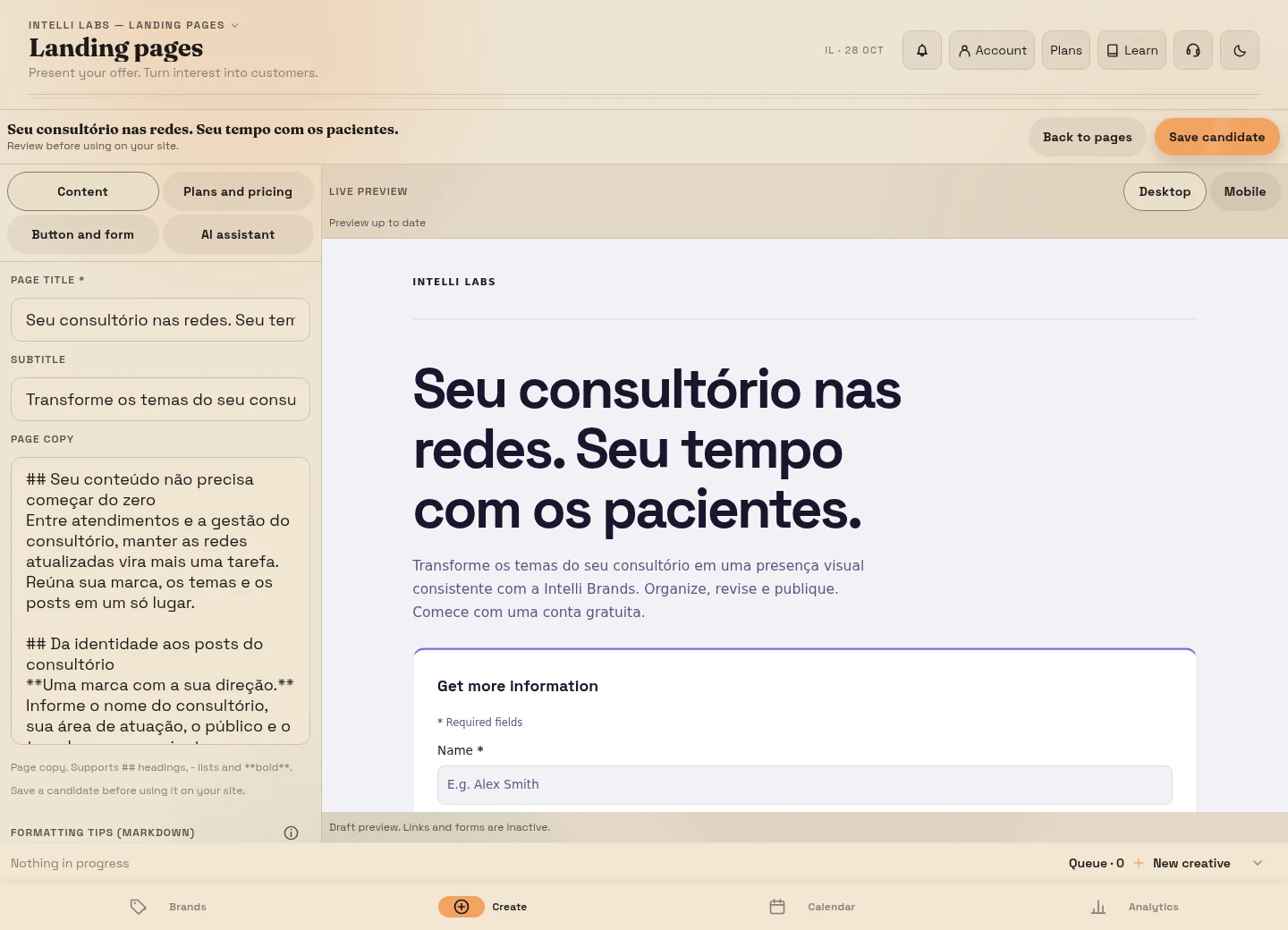
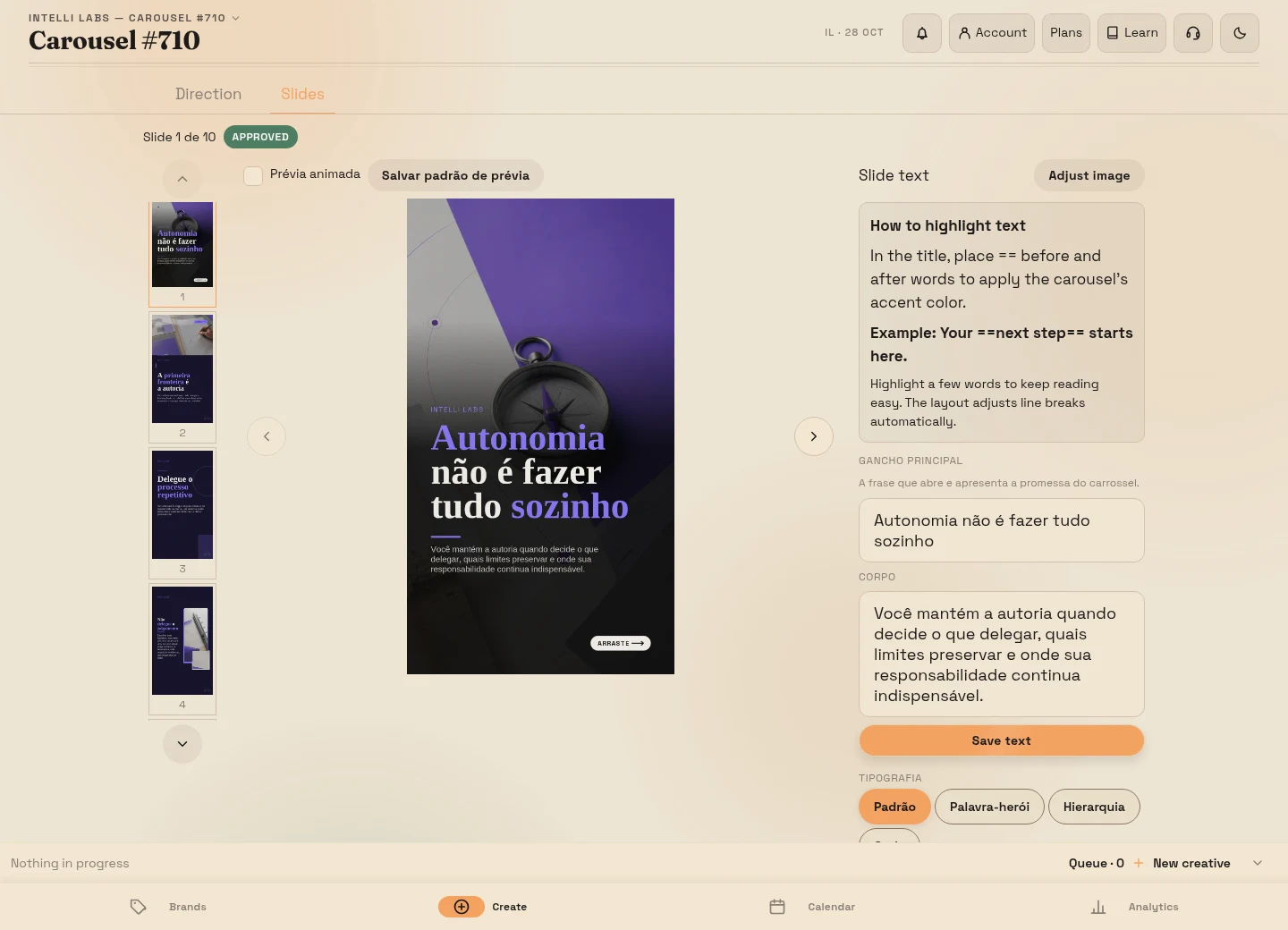
Choose what you want to find out
In the planning guide, Ana built two paths for her home organization service: a checklist for people preparing to move, and a service page for people requesting quotes. The next question is specific: do the inquiries fit her service, and do they receive a response that helps them continue?
Likes and reach help explain how content circulates. To evaluate the business, also track inquiries, conversations that fit the offer, proposals and payments. Do not expect one dashboard to explain everything; use available records and add what depends on your own follow-up.
Separate interest, fit and a sale
An accepted contact is a submission that passed the checks and was saved. A qualified contact is someone whose needs fit the offer, using criteria you define. A paid sale requires verified payment. These are different facts.
 Post
PostFor Ana, three questions help assess a quote request: is the home within her service area? Does the person need the organization service she offers? Is their timeframe compatible with her availability? Someone who only requested the checklist does not need to answer these questions to receive it.
Define your criteria before classifying contacts. “A good prospect” is vague; “needs organization after a move, is within the service area and is willing to discuss timing” makes the decision understandable. Avoid requesting sensitive details unnecessarily. A shop may sell a product without a form or appointment; track the stages your business actually uses.
Work through a complete set of numbers
Imagine a fictional reporting period with eight valid quote requests. Four fit the area, service and timeframe; two receive a proposal; one becomes a paid sale. These are neither platform results nor a performance benchmark.
- 4 of 8 requests are suitable: 50%. Before seeking more contacts, find out why the other four do not fit.
- 2 of 4 suitable contacts received proposals. Check whether the other two are waiting for a reply, decided against proceeding or still need to clarify their request.
- 1 of 2 proposals led to payment by the reporting date. The other may still be under discussion. Do not mark an open opportunity as lost just because the week ended.
Suppose three of the four unsuitable requests came from outside the service area. A plausible change is to state the area earlier in the post and on the page. Lowering the price does not fix that mismatch. If the team has not replied to two suitable inquiries, improve follow-up before increasing the number of posts.
These proportions describe a small sample; they do not prove that a change will produce more sales. Compare the same offer and similar periods. If you use clicks or visits, check the tool’s definitions: one person may click several times, and not every click loads a page. Do not combine those counts as though they were unique people.
Keep a simple record of the next action
The leads view and CSV export help collect saved inquiries. You can add follow-up in a private spreadsheet without assuming the platform provides a full CRM. Record only what you need: contact reference, known source, request, fit, current status, next action, responsible person and agreed date.
A fictional row might read: “Contact 07; post about the visit; kitchen organization quote; within service area; waiting for information; confirm moving date; Ana; Thursday”. Another: “Contact 08; checklist; resource delivered; no sales conversation requested”. The second person received what they asked for; that is not an abandoned negotiation.
Keep the reference connected to the correct private record with restricted access. Avoid copying personal details into public spreadsheets or using customer names in campaign labels. When reviewing the list, you should be able to tell who needs to do what next.
Answer the request before offering something else
For someone who requested the checklist, an authorized delivery message might say: “Hello, here is the moving checklist you requested. The first section helps you set aside essentials for the first night. If you have trouble opening the file, reply here.” Replace this text and the file with your actual material; do not promise immediate delivery if it depends on your availability.
For a quote request: “You mentioned organizing the kitchen after your move. I cover the area you provided. To assess the work, when are you moving and what would you like to have ready?” The reply acknowledges the request and asks useful questions rather than starting with a generic proposal.
After understanding the need, explain what is included, any limits and the actual next step: receiving a proposal, clarifying a detail or arranging a conversation. If the person asks you to follow up on another date, record the agreement. Requesting a resource does not automatically authorize a sequence of offers; respect preferences and requests to end contact.
You can handle this follow-up manually. Creating an e-book or newsletter does not configure automatic delivery or a message sequence. Arrange the operation before promoting it.
Identify the source without inventing precision
Use consistent names to distinguish the checklist carousel from the post about the service. UTM parameters are labels in a URL: utm_source identifies the source, utm_medium the channel and utm_campaign the campaign. Use them where the destination and measurement tool can read them; adding labels does not automatically connect every system.
Compare available source information with recorded inquiries and sales. Asking how someone found you can fill gaps. If the source is unavailable, record “unknown”. Someone may have seen several posts or received a recommendation; one label does not prove that a single post caused the purchase.
Understand events when using integrations
Your business record comes first. If you use the Meta integration, event names represent specific stages:
- Lead: requires an accepted, saved and eligible contact with applicable advertising permission. A click or thank-you page alone does not prove that record exists. Submissions blocked by form protections do not count as accepted contacts.
- Schedule: a pending request is not enough. Legitimate confirmation by the responsible person is a separate step; confirming again should not create another event. Cancellation and withdrawal of permission are considered for pending delivery.
- Purchase: requires trustworthy payment confirmation and an integration that respects permission and prevents duplicates. An external checkout click is not proof of purchase, and support for Lead and Schedule does not mean every provider sends Purchase automatically.
Compare diagnostics and Test Events with actual records. Unavailable data is not zero; check permissions through the official connection. Email permission, optional advertising permission and cookies serve different purposes. People can use the form without accepting optional cookies; configuring a Pixel does not replace those choices or privacy. Each brand uses its own configuration without sending its customer contacts to the platform’s Pixel.
Exercise: find the next action, not someone to blame
Use the eight-request example or your own records without exposing personal details. Note how many requests arrived, how many fit the offer, how many received a reply or proposal, which remain open and which have verified payment. Choose one observable problem and an action for the next review.
In the example, “state the service area before the form” addresses the three out-of-area requests. “Respond to the two suitable contacts still waiting for a next step” addresses a different problem. Record when you make the change and follow the same part of the path; do not attribute everything to the latest post. Continue with publish, review and improve your next week.
From a carousel to a sale: watch the journey
A 48-second home organization service example. Adapt the topic and offer to your business.