Start with your brand
Get to know the platform at your own pace.
Registration creates an IntelliBrands account. Free usage limits appear in your account; this is not an interest list.
Create a free accountIntelliBrands for dentists
Take the guidance from your practice beyond the appointment. Prepare content with your identity and review every detail before publishing.
Your brand guides. You review. The platform organizes.
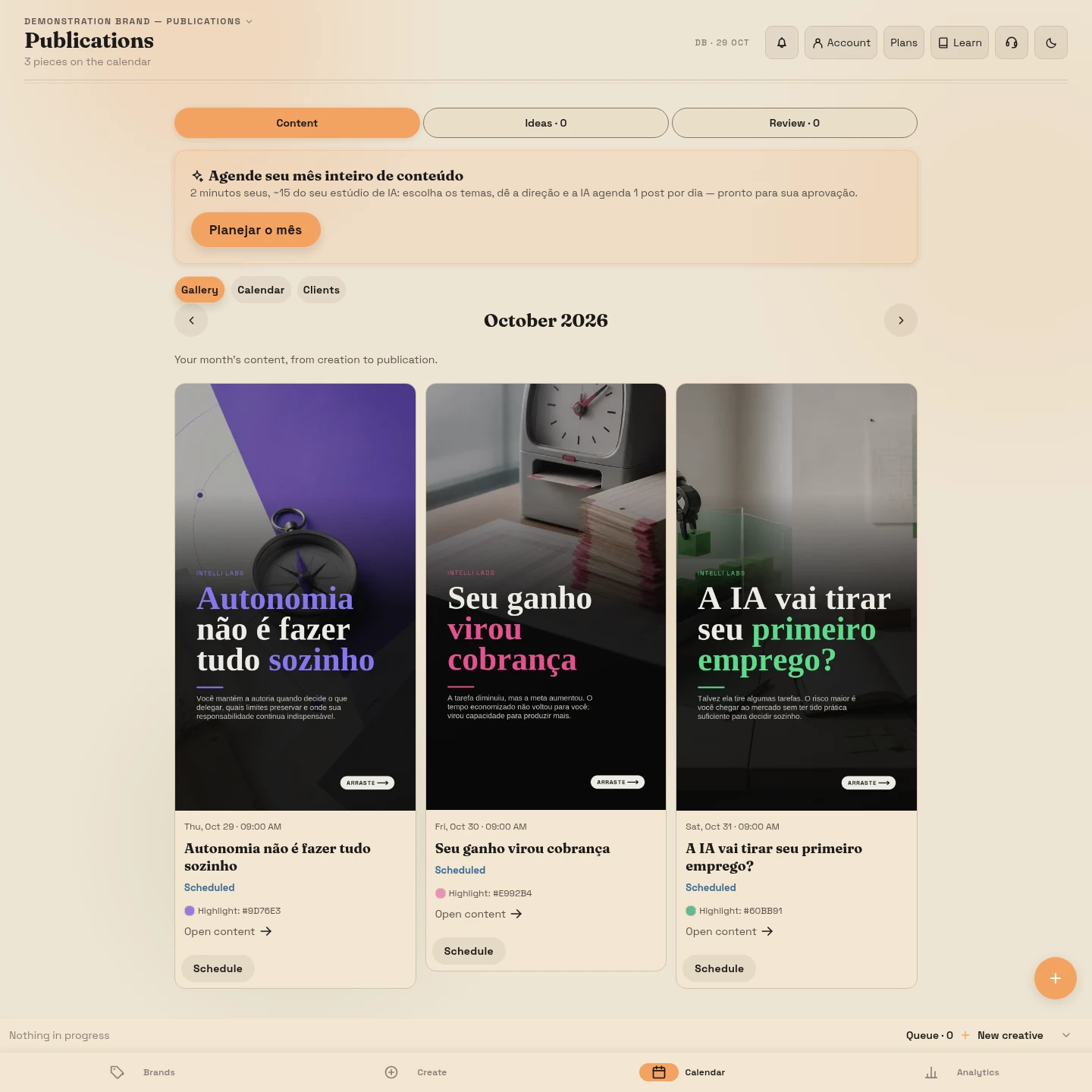
Created with IntelliBrands
Copy, images and composition working together. These are actual examples produced in the platform, each guided by its brand.




Content examples in Portuguese. They do not represent customer results or material specific to your profession.
From an idea to publication
The platform helps with production. Your expertise sets the direction.
Set your field, audience and communication style to guide your brand identity.
Select topics about care, treatments and prevention that belong to your practice.
Check the information and images, refine the explanations and approve the content. Connect your account to publish or schedule it.
Prepare posts that explain care, treatments and common questions in accessible language. IntelliBrands helps with copy and images; you review clinical accuracy and choose what fits your practice.
After the content
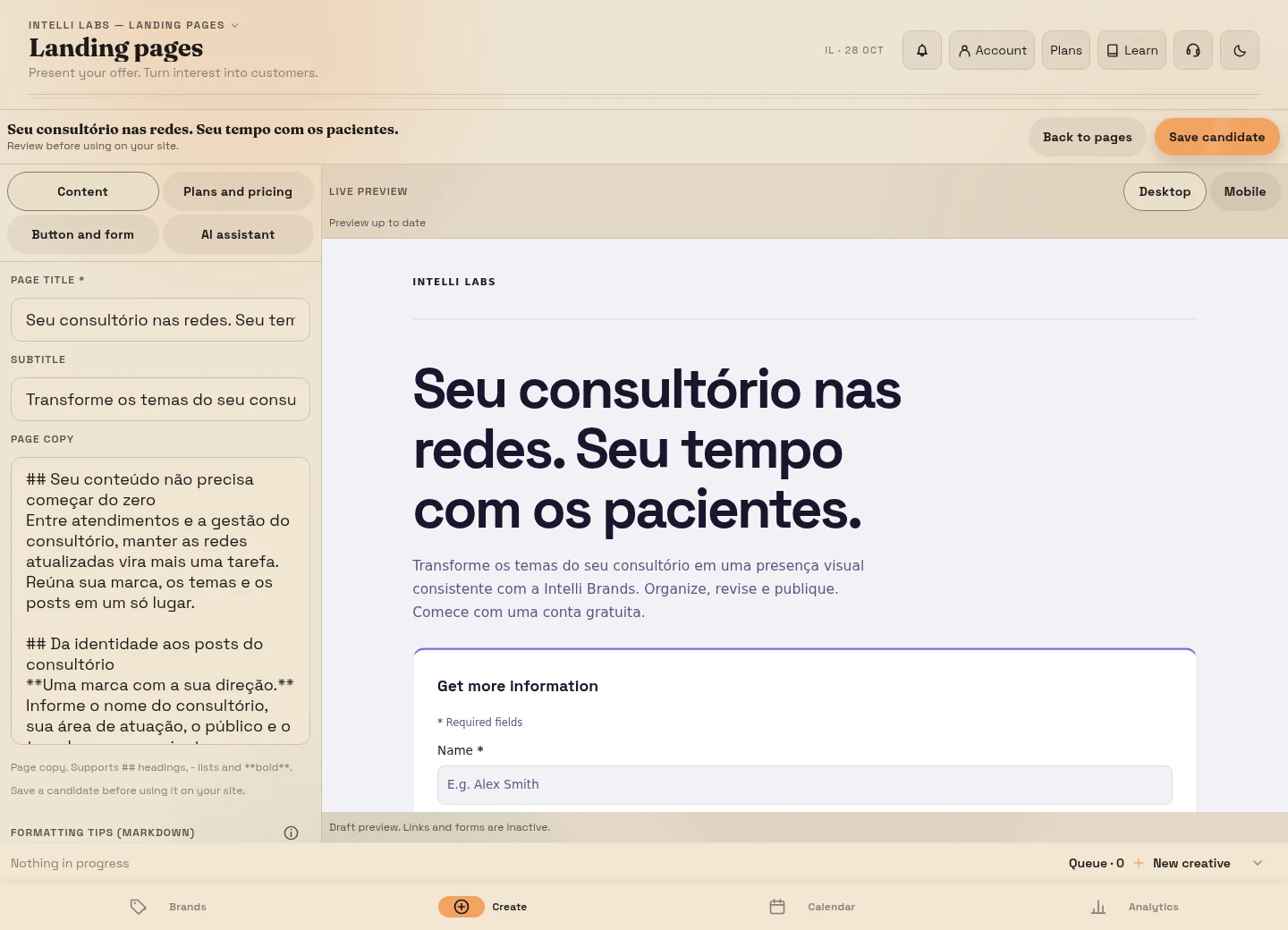
Connect your content to a page for your brand, a useful resource or booking. Choose a clear path for people who want to learn more.
Learn how to connect the journeyYou define the offer and arrange follow-up. The platform does not promise contacts, sales or automatic replies.
Your next step
Get to know the platform at your own pace.
Registration creates an IntelliBrands account. Free usage limits appear in your account; this is not an interest list.
Create a free accountMore room for your content.
R$ 297,00/month
The image allowance is shared across generations and edits.
Subscribe to ProfissionalCreate or access your account, verify your email and continue to the subscription screen. Review the amount and choose payment before subscribing.
You keep the direction
Review clinical information, images and applicable communication rules before publishing. You can start without using patient details or photographs.
Clear answers before you start
Yes. Create a free account and check its usage limits before generating content.
Choose Subscribe. After registering and verifying your email, sign in to continue to the subscription screen. Already have an account? Choose Subscribe, then use the sign-in option.
Content needs your approval and an eligible social connection. Check each publication’s status in the platform.
Give shape to what you know. Review before sharing.